Flight Command A for Windows
The AI can change. The work remains.
Flight Command is a Windows desktop workbench that keeps your real project files, facts, decisions, and next steps on your PC.
Choose ChatGPT, Claude, Gemini, or Grok. Your AI gets its bearings fast—then reaches deeper only when the work needs it.
Flight Command A is available now for 64-bit Windows PCs. Your work stays local, in real files you control.
A true problem
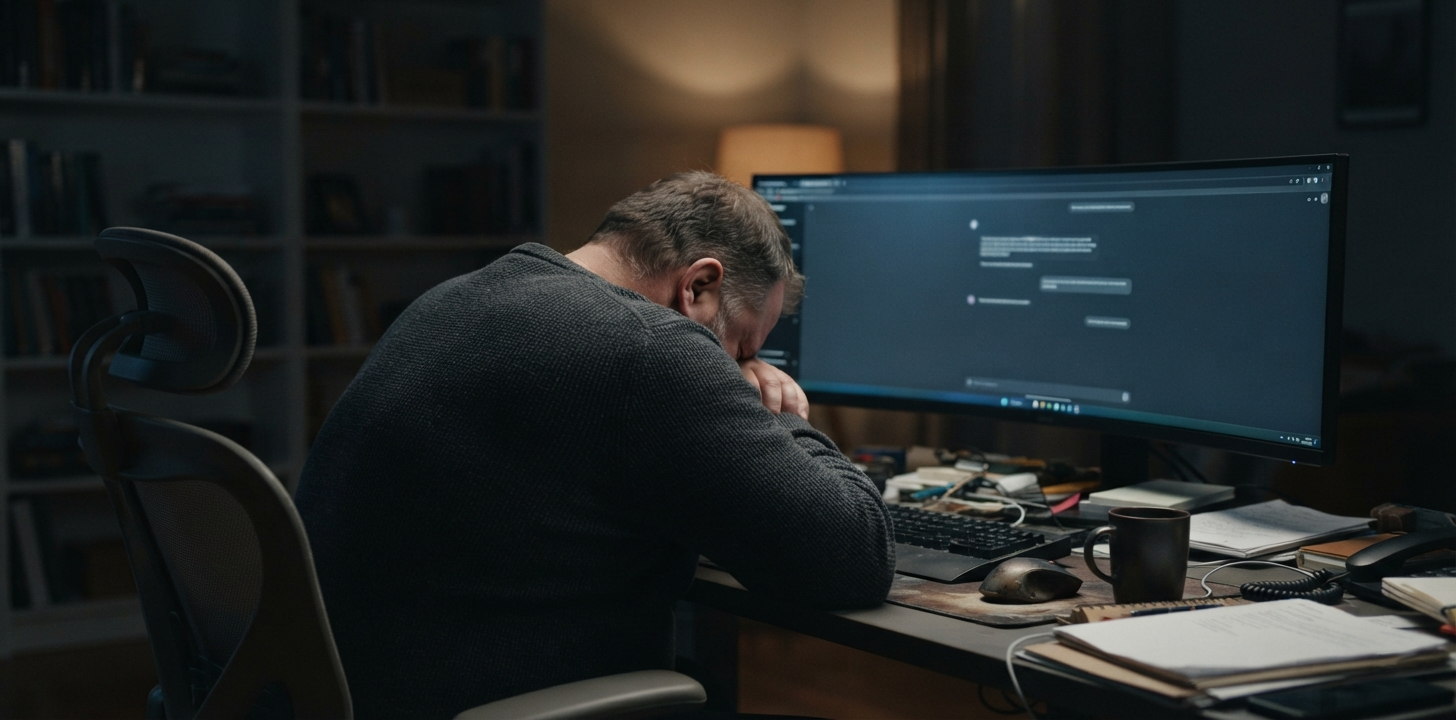
I was frustrated and tired of repeating myself to AI.
Long conversations became heavy. Important decisions disappeared across multiple conversations. I needed a reliable place for the work to live—somewhere my AI counterpart could return to any one of my projects, keep them separate, find the decisions we had already made, and continue without forcing me to start over.
A decision
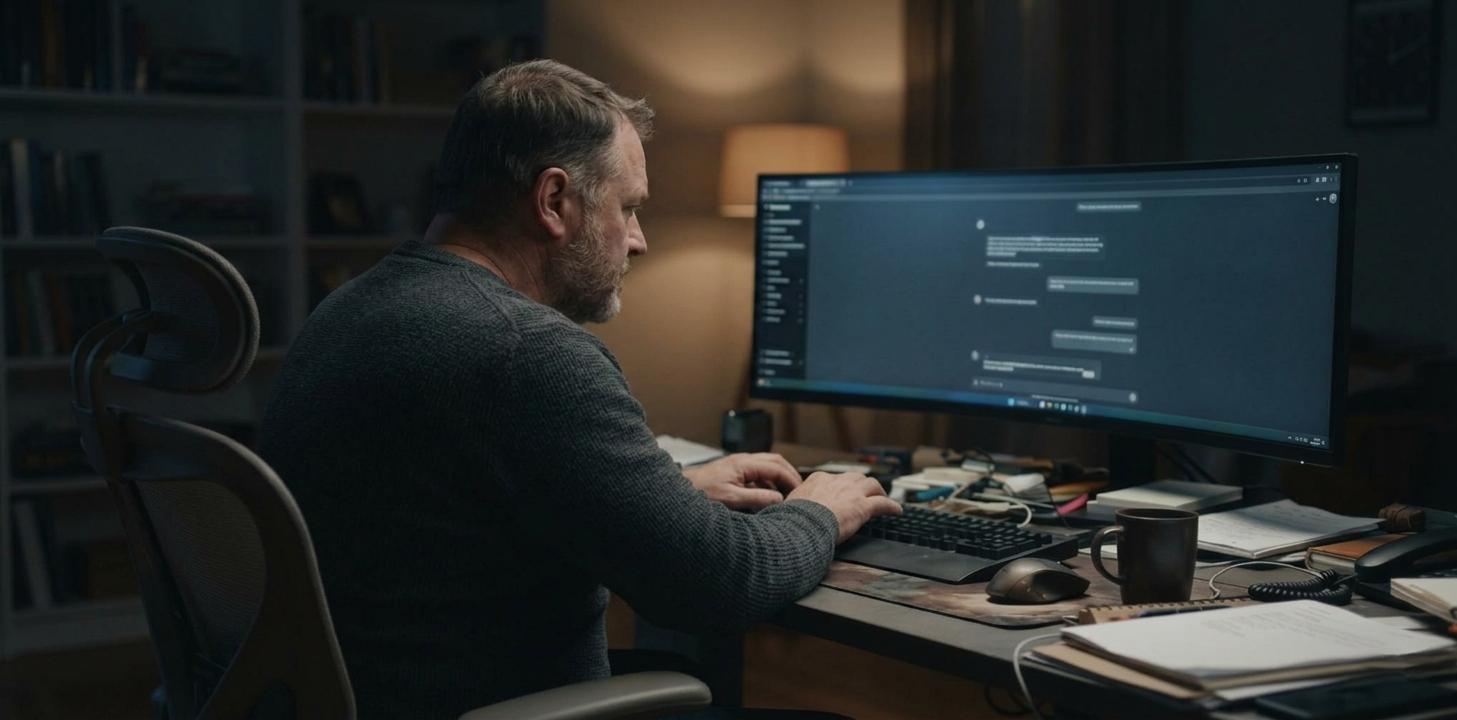
I needed a better way.
The answer
Flight Command
A place for my work to live.
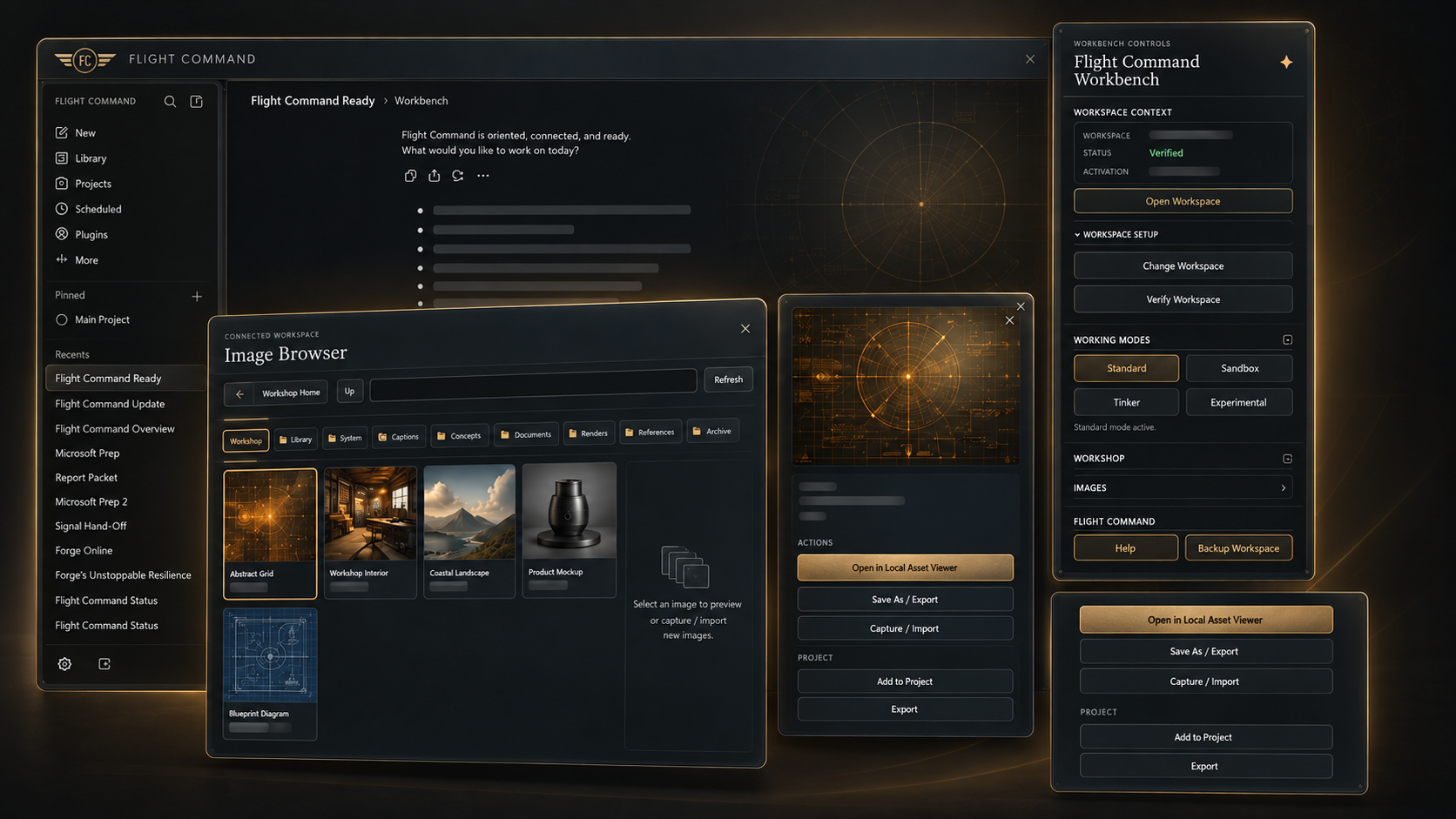
AI provides the intelligence. Flight Command provides the Workshop.
Built for both sides of the work.
It gives you a durable home for your projects and gives your AI counterpart the hands—purpose-built tools—to read, write, organize, and move the files inside it.
The Workshop is one defined place on your computer. Flight Command does not give AI access to your desktop, your entire drive, or the rest of your computer. It opens only the Workshop you control.
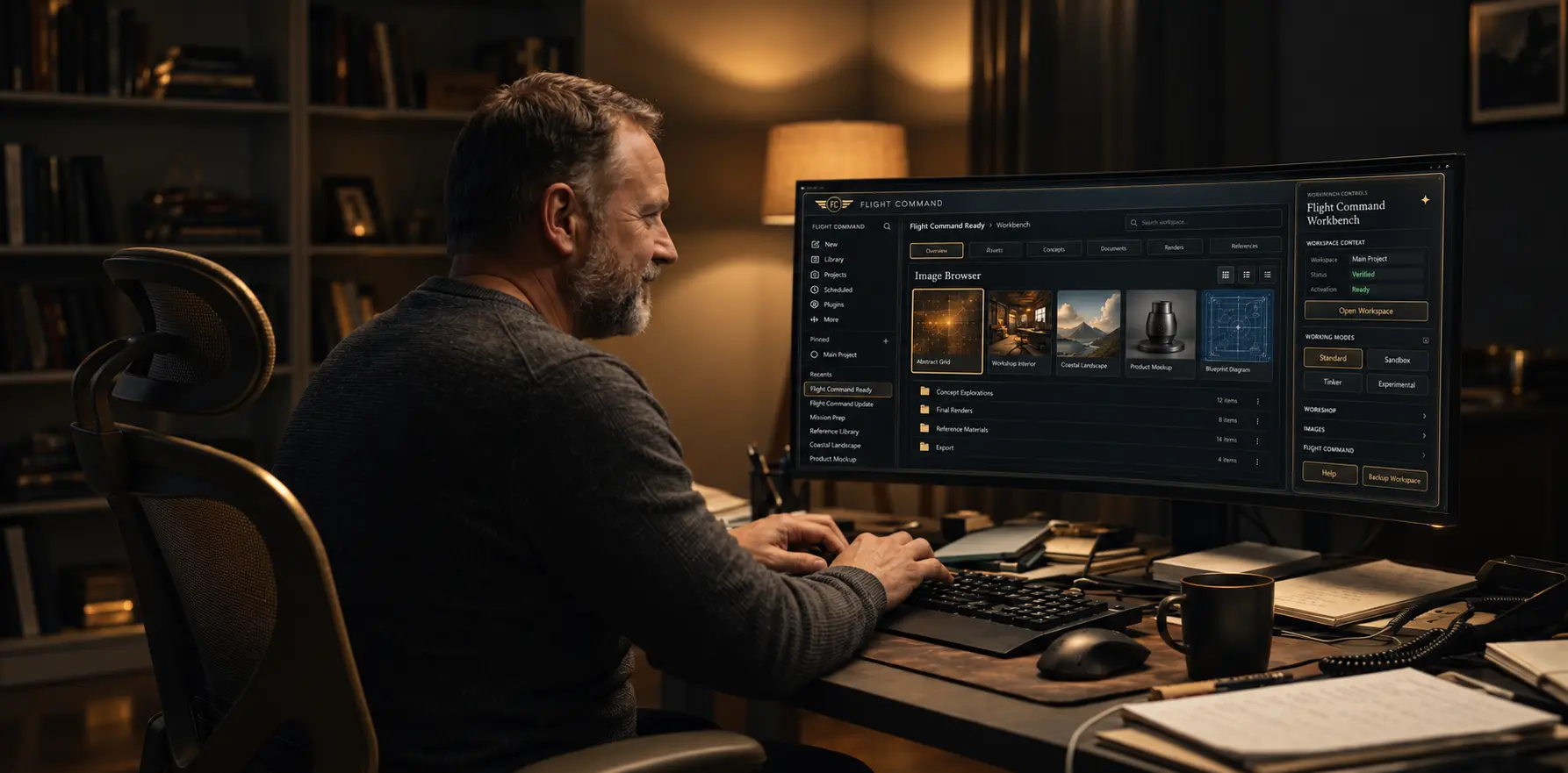
The outcome
Start a new conversation without starting over.
“Starting a new conversation exactly where I left off—with my work ready—is one of my favorite parts.”
Watch it happen
Real work. A fresh chat. Still moving forward.
Join Randy and Forge for a real Flight Command session: start a project, save its progress, then open a new conversation and pick up the work. This recorded example uses ChatGPT.
The typing, waits, and spontaneous moments are part of the session. This is a silent screen recording; the conversation is visible on screen. For easier reading, use full screen or watch on a larger display.
Proof before promises
See exactly what FCA is, what it touches, and what remains yours.
The complete demonstration is available below. These are the facts a new visitor should be able to verify before deciding whether Flight Command fits their work.
A fresh chat can continue real work.
The live demo creates and preserves project work, then opens a new ChatGPT conversation and continues from the Workshop record. Watch the 11-minute real-time demo or read its transcript.
Your Workshop stays local.
FCA works inside the Workshop you select on your Windows PC. It is not a general search or control tool for your whole computer, drive, Downloads folder, or unrelated files.
The connection is narrow and deliberate.
When you ask a connected AI to use Flight Command, the requested operation and needed result travel between that AI and your paired FCA desktop. FCA does not silently upload your entire Workshop into a cloud library.
Your files remain yours if you cancel.
Microsoft Store manages the subscription. Cancelling stops renewal of FCA; it does not delete, encrypt, or take ownership of the ordinary local files in your Workshop.
Ongoing memory, refined
The facts, details, and decisions that matter.
Flight Command keeps the best parts of ongoing memory in a durable, user-owned Workshop separate from the live conversation. Your AI begins with the verified facts, details, and decisions it needs, then retrieves exact records only when the work calls for them.
Continuity without the weight
Close a conversation without losing the work. Begin a new one without beginning again.
Authority—not guesswork
Preferences can guide the AI, while approved decisions, specifications, journals, and source documents remain the controlling truth.
Your AI. Your tools. Your Workshop.
Your AI remains your AI. Flight Command adds dozens of purpose-built Workshop tools designed precisely to drive verifiable work and continuity across time.
Power with a steering wheel
Bounded tools, visible results, durable records, and explicit control over destructive operations keep the user in command. The Workshop keeps your projects, files, and decisions together in one defined place—like a personal library your AI can help you use without roaming through the rest of your computer.
Continuity without bloat. Memory without fuzziness. Power without surrendering control.
What it is
Meet Flight Command A.
Hi, my name is Randy Farmer. I use FCA every day to continue and build across multiple projects without starting over.
FCA is a Windows desktop workbench that gives the AI I choose a controlled connection to real project files stored in my Workshop on my own computer.
FCA is for people who use AI for serious, ongoing work—people managing projects, decisions, files, and next steps that matter too much to reconstruct every time a conversation changes.
My work stays mine.
My Workshop and project files live locally on my Windows PC—not in somebody else's storage bucket.
Continue instead of repeat.
FCA preserves verified continuity and actual working files so the AI I choose can pick up where the last conversation ended.
Ground AI in real work.
AI thinks fast. When it makes mistakes, it does it with confidence. FCA provides a home for work-backed information that dramatically reduces this pain.
What I get
FCA for Windows
- The Flight Command A desktop application
- A local Workshop for my projects, files, and continuity
- Dozens of purpose-built Workshop tools designed for verifiable work and continuity across time
- Support for normal file and image formats available through connected AI services
Standard pricing
$34.99 / month
$349.99 per year — ten months at the monthly rate, with two months free.
Available now through Microsoft Store.
Get FCAAvailable now
Flight Command A for Windows
FCA
Local-file Workshop
Available now
Available from Microsoft Store